.png)
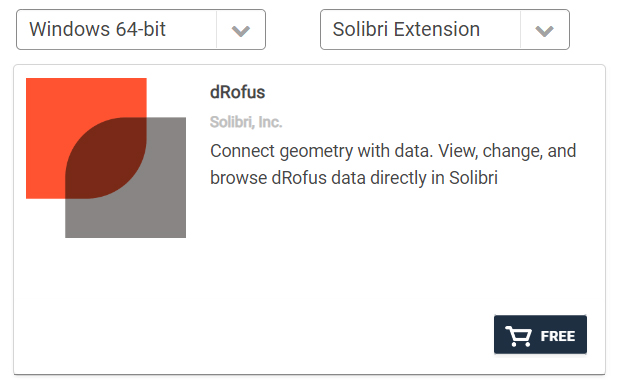
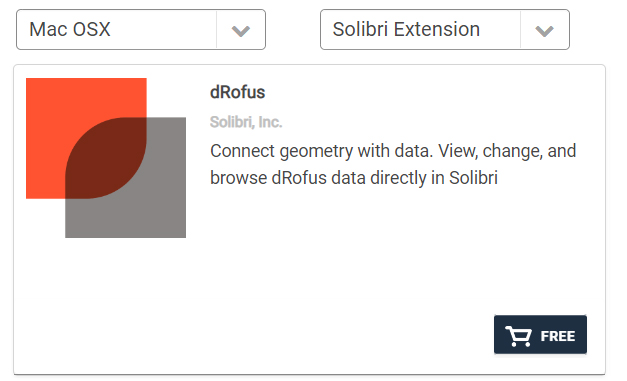
The dRofus extension to Solibri is free, but you must have access to dRofus and a license to Solibri Office.
To install the dRofus Extension:
-
Launch Solibri Office.
-
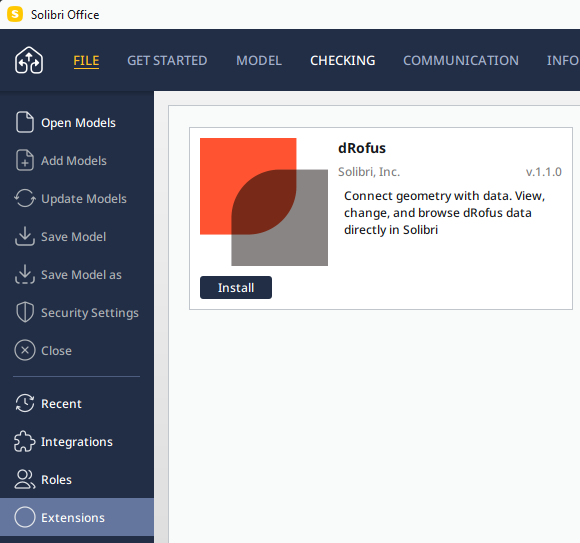
Go to File > Extensions to see all the available Extensions, locate “dRofus”;
-
Click Install and wait for the process to complete. You can then continue to use Solibri Office.
-
Re-start Solibri Office
For a detailed guide on how to get the dRofus Solibri extension, please refer to https://help.solibri.com/hc/en-us/articles/7106962890007-Installing-and-Using-an-Extension-in-Solibri-Office
The dRofus extension to Solibri is available for Windows and Mac OSX;