.png)
Lock and unlock Tender
A tender will automatically be locked for changes when you register:
-
Distribution and announcements
-
Agreement.
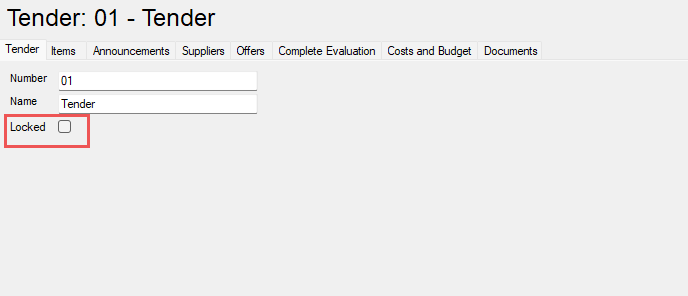
You can lock an unlock a tender manually by using the checkbox marked in the picure below
The tender is an historical document and shall therefore not be edited in principle. In reality, changes will occur and the tender needs to be edited. This may be:
-
Changes has occured before the tender have been distributed
-
There are changes in the actual tender which have been notified to all suppliers.
It is important that you know what you are doing when you unlock a tender and that you remember to relock the tender. Changes that have occured after the tender have been distributed can and should be registred during a later stage as in the agreement stage. By doing the change in a later stage the plan and tender remain unchanged.