.png)
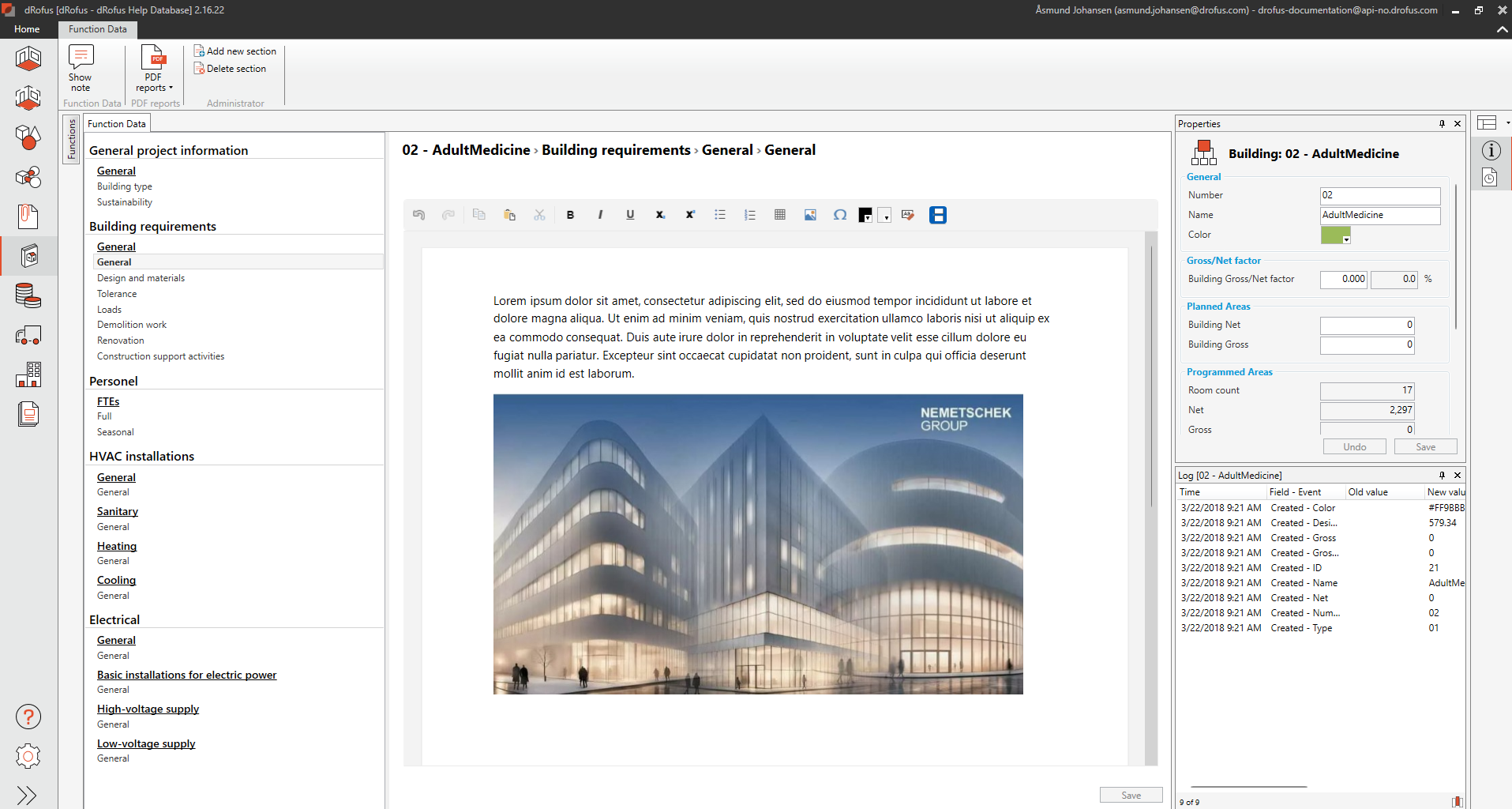
Function data module provides you the possibility to attach data to Project and Functions/Sub Functions. Similar to Room Data for Rooms and Room Templates, Function data contains fields the project can define themselves in the User Interface Editor.
Function data is narrative in nature, each new section normally provides full rich text formatting. However, all available field types can be added as field via the User Interface Editor.
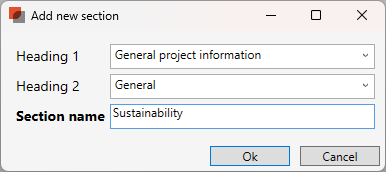
To create a new sections, select "Add new section" button on the toolbar. Select from available Heading 1 and Heading 2 as defined in the graphical function interface and name your new section.
Internal notes can be added to each section. Use Show/Hide notes to reveal or hide the yellow section below each section.
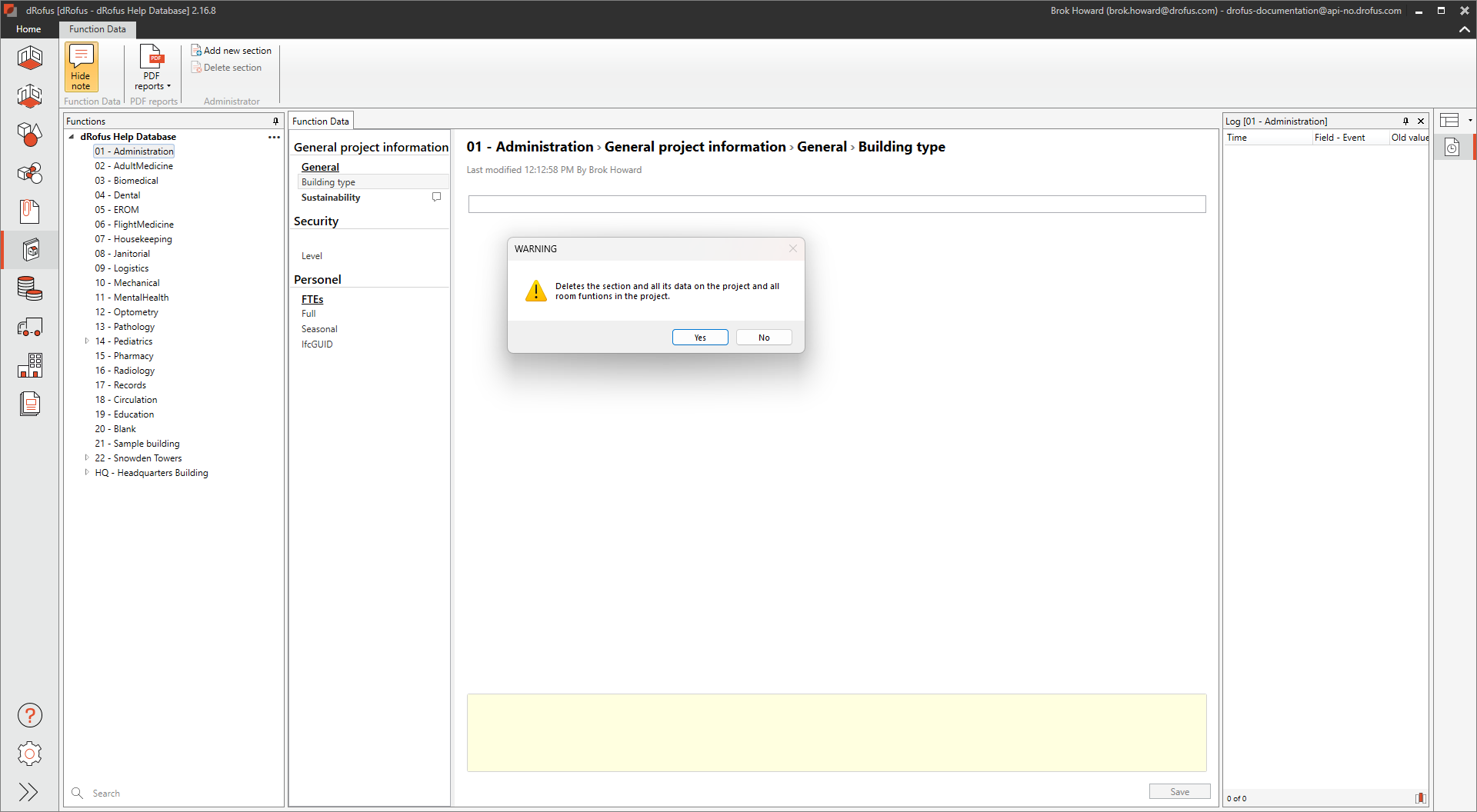
You can delete a section by selecting the section then, Delete section. A warning will show requiring confirmation.
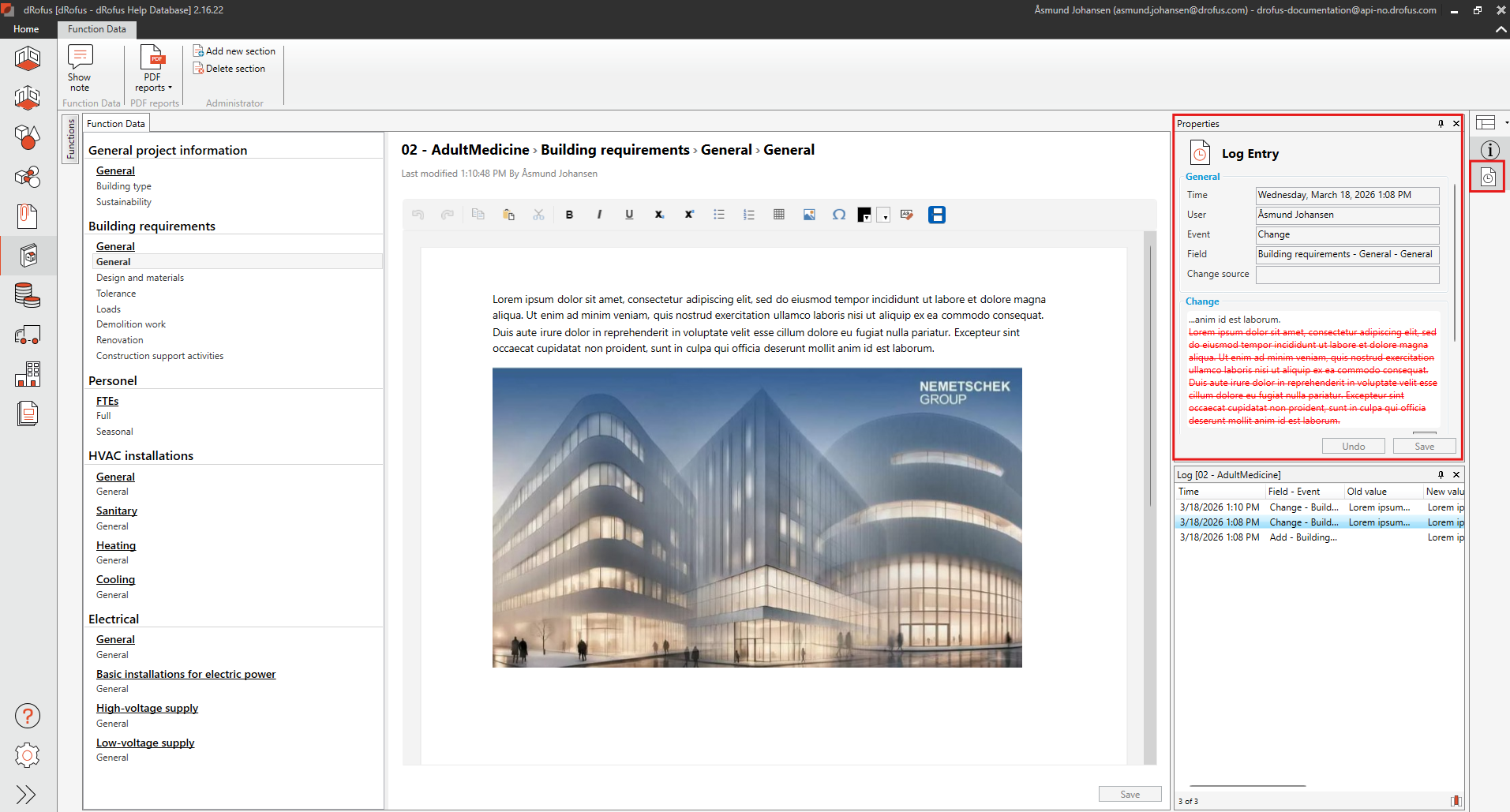
Each change is captured in the Logs, select a section to review change history.