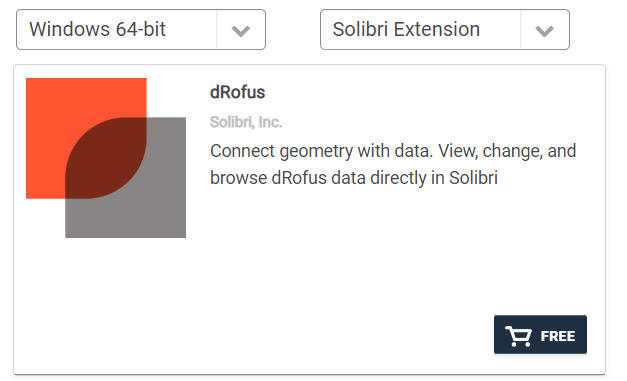
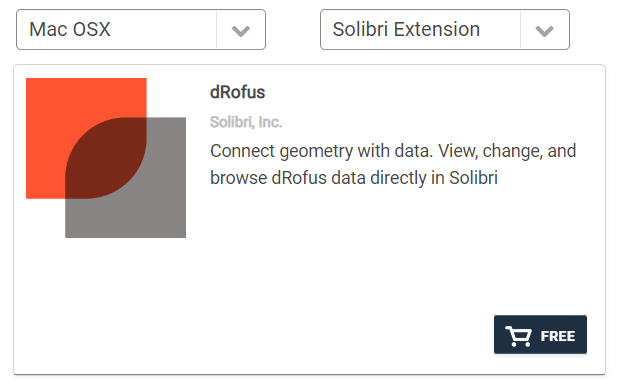
.png)
Solibri用のdRofus拡張機能は無料ですが、dRofusへのアクセス権とSolibri Officeのライセンスが必要です。
dRofus拡張機能をインストールするには:
-
Solibri Officeを起動します。
-
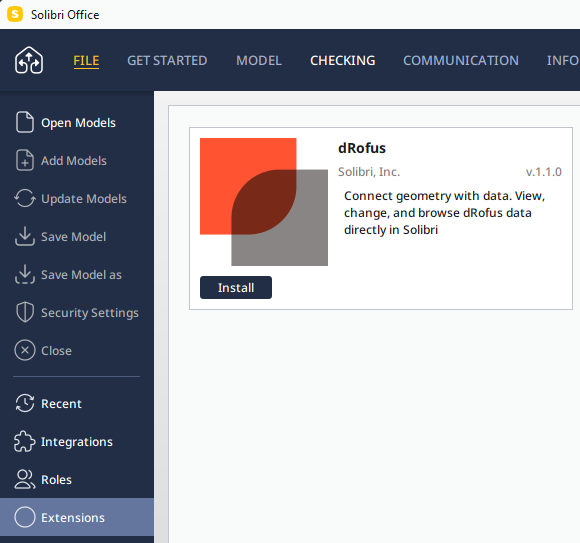
ファイル > 拡張機能 (Extensions) を選択して利用可能なすべての拡張機能を確認し、"dRofus" を探します。
-
"インストール (Install)" をクリックし、処理が完了するまでお待ちください。
その後、Solibri Officeを引き続きご利用いただけます。 -
Solibri Officeを再起動してください
dRofus Solibri 拡張機能の、詳細な入手方法については、
Solibri Officeでの拡張機能のインストールと使用方法 (英語)をご覧ください。
Solibri用のdRofus拡張機能は、WindowsおよびMac OS Xに対応しています: