.png)
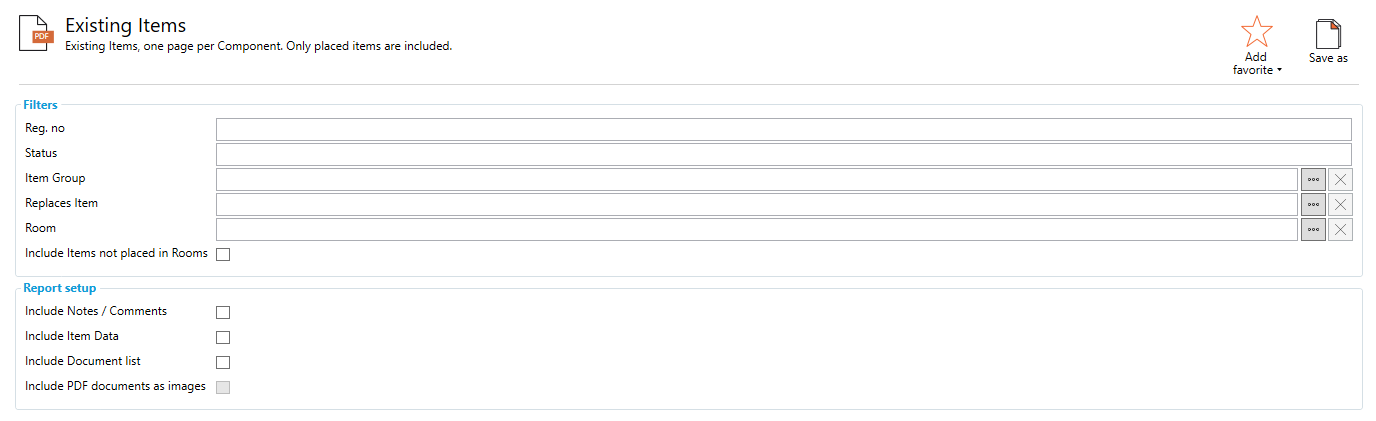
Existing Items, one page per Component. Only placed items are included.
Filters
Reg. No: Filters report to only show Existing Items with the number specified in this field
Status: Filters report to only show Existing Items with the 'Status' specified in this field
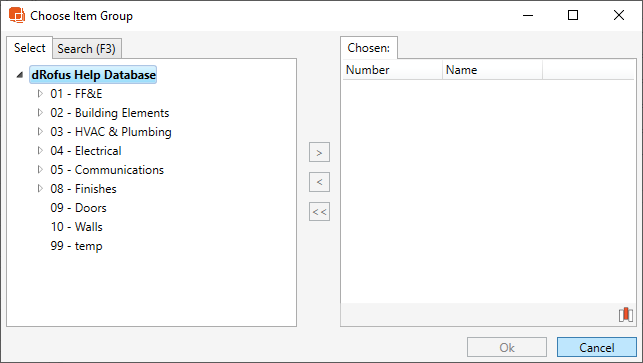
Item Group: Shows Items in the specified Item Group
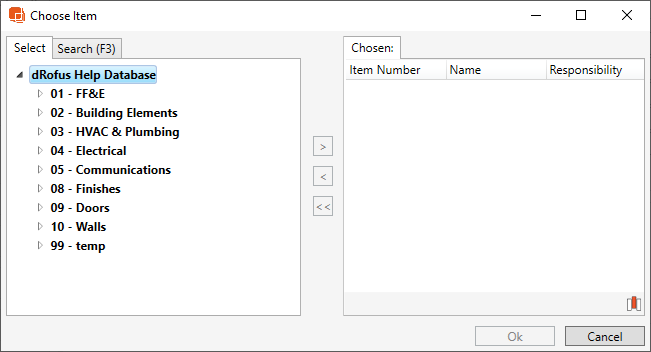
Replaces Item: Choose Item to replace
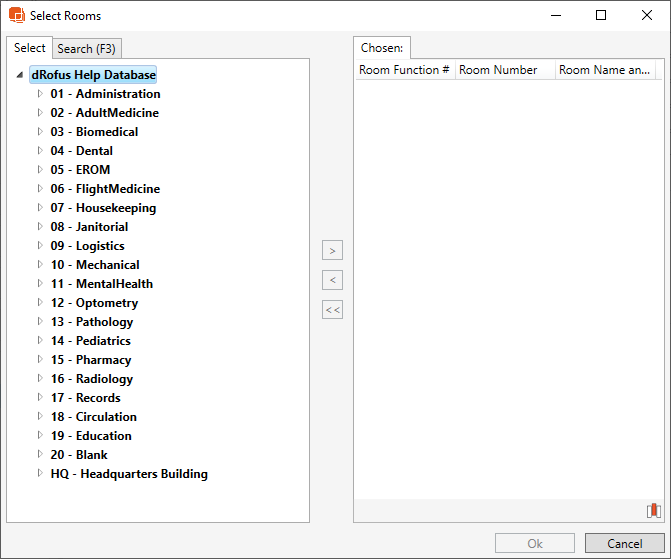
Room: Filter by Room
Include Items not placed in a Room: When checked, this report will include the items that are not placed in Rooms
Report Setup
Include Notes/ Comments: If checked, report will show Notes
Include Item Data: If checked, report will include item data.
Include Document List: Room Data report will include a list of documents linked to the Item
Include PDF documents as images: This feature renders PDF documents as SVG images and places them in the Report
Report Output
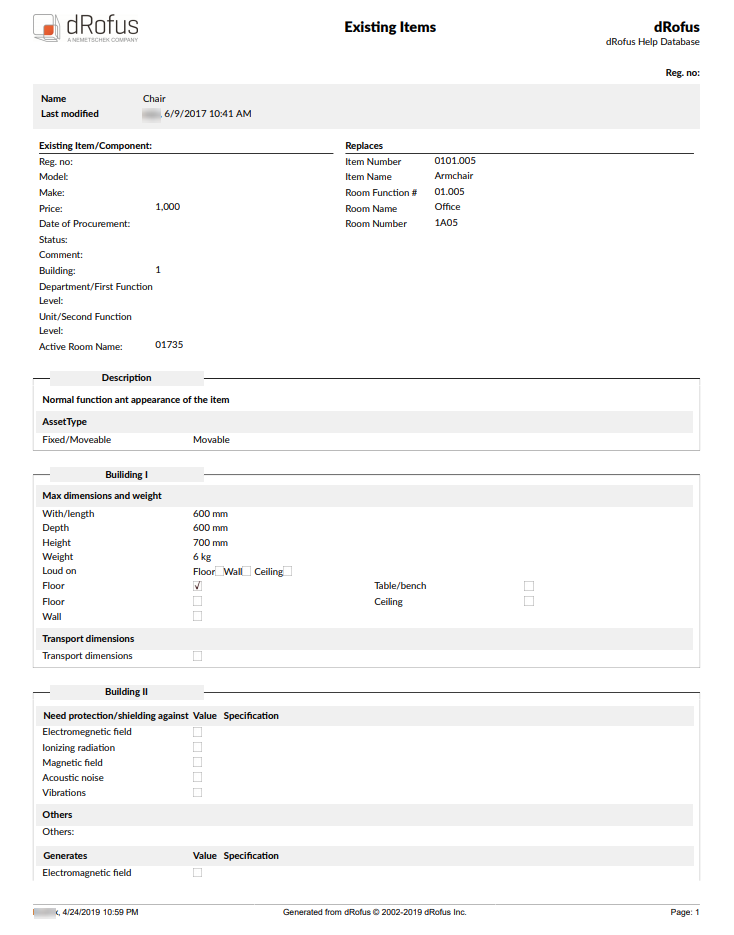
The example report below is filtering down to the FF&E Item Group and Includes Item Data.