.png)
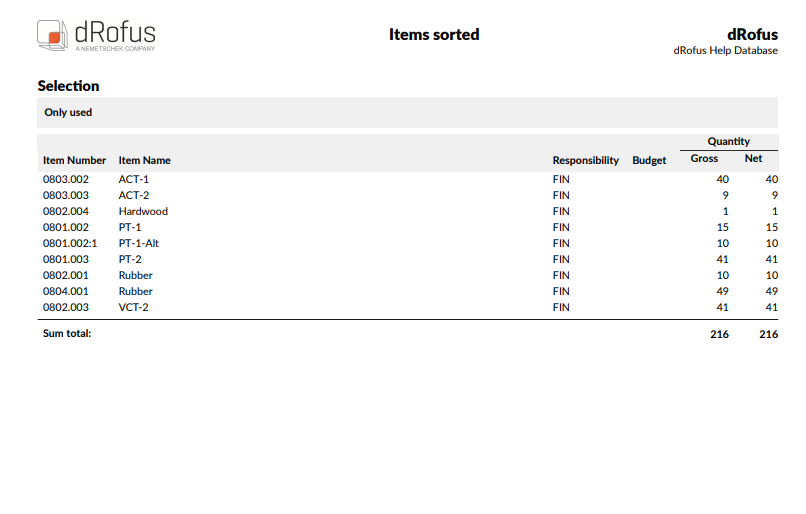
List of all items sorted.
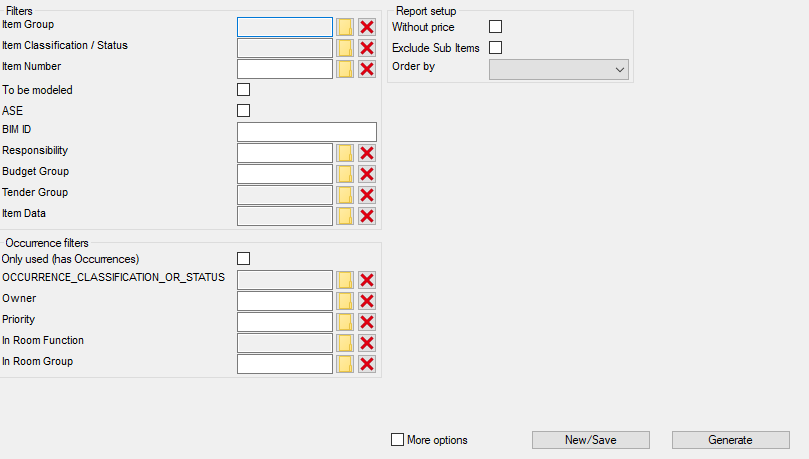
Filters
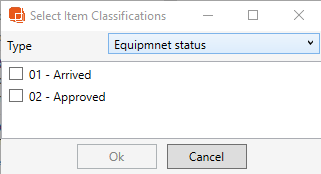
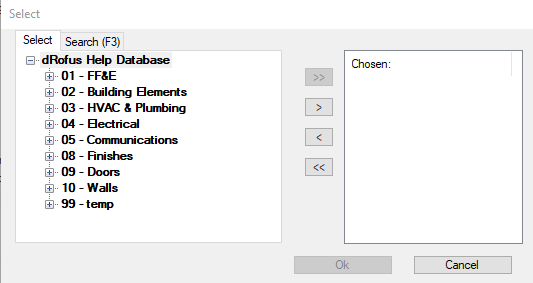
Item Group: Shows Items in the specified Item Group
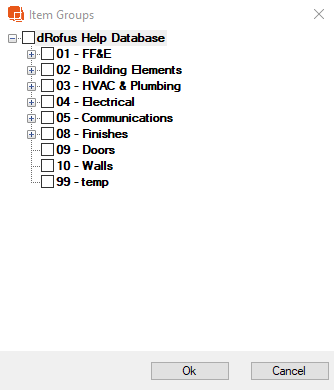
Item Classification/ Status: Filters Items to only show items with the specified Status
Item Number: Filters report to only show the chosen Items
To be Modeled: If checked, only items marked as 'To be Modeled' will appear in the report
ASE: If checked, only Items marked as 'ASE' will appear in the Report
BIM ID: When a value is inserted, the report will only show Items with the specified BIM ID
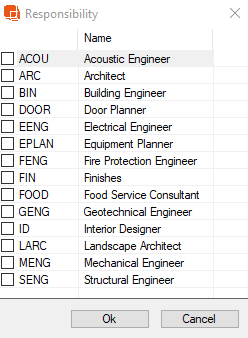
Responsibility: Filter report to show Items with a specific Responsibility
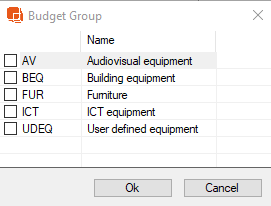
Budget Group: Filters report to only show Items in the selected Budget Group
Tender Group: When checked, only Items associated to the specified Tender Group will appear in the list
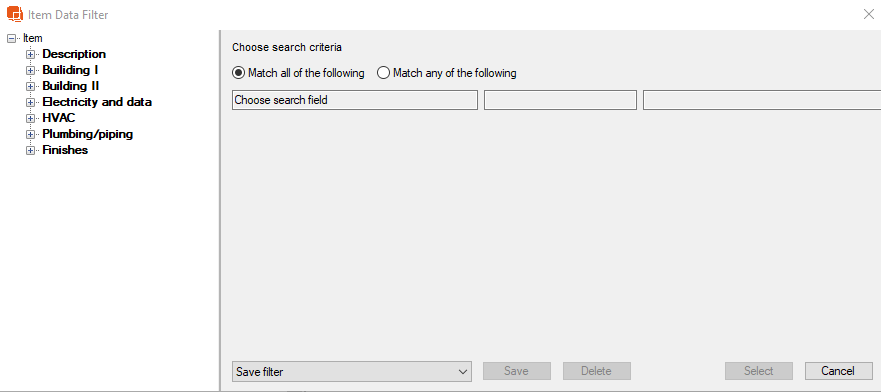
Item Data: Filter Items to match Item Data field
Occurrence Filters
Only Used (has Occurrences): If checked, report will only list items that have Occurrences.
Occurrence Classification/ Status: If checked, only Items with the specified Occurrence Classification/ Status will appear in the Item List
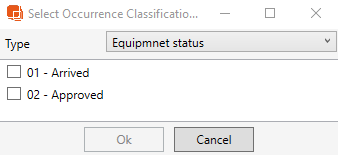
Owner: If specified, only shows Items associated to the selected Owner
Priority: If specified, only shows Items associated to the selected Priority Group
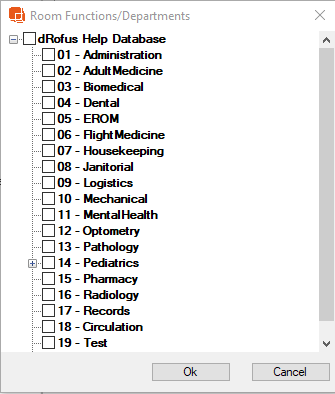
In Room Function: Filter report to only show Items in Room from the selected Function
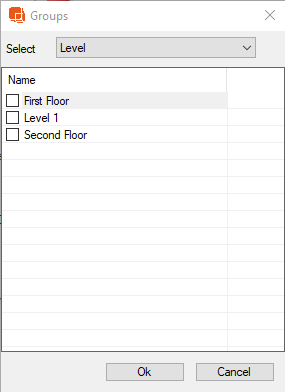
In Room Group: Filter report to only show the items in room from a specified Room Group
Report Setup
Without Price: If checked, the item list will exclude Quantity and Budget Price
Exclude Sub Items: If checked, the report will not show Sub Items
Order by: Choose the order of Items here. Items can be ordered by BIM ID, Budget Group, Item Name, Item Number, Reference, Responsibility, and Unit Price. If not selection is made, the default order is Item Number.
Report Output
Report is filtered to the the 'Finishes' Item Group, 'Only Used' and 'Without Price' are checked.