.png)
Standard installation
As soon as you install the latest version of dRofus and run it, you will be notified about the installation of the latest Archicad Add-On, if the Archicad Add-On was either not previously installed on your PC, or is out of date.
The dialog shown below will pop up:
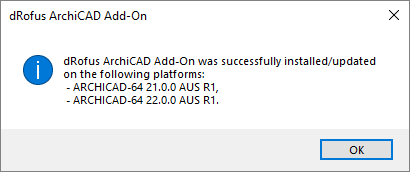
All Archicad sessions will need to be closed at the time when you install / update or uninstall the Archicad Add-On.
If the Archicad Add-On has been uninstalled, then the next time you run an Archicad session, you will get the following message with options:
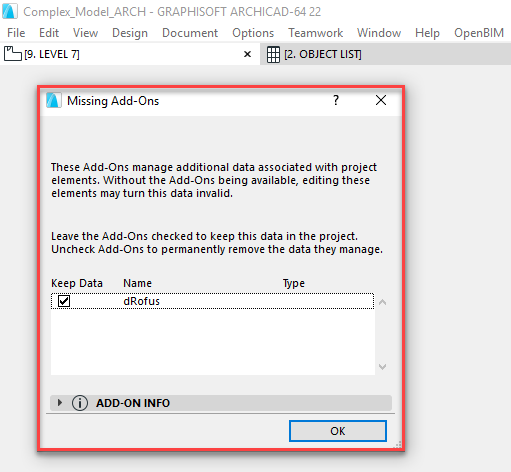
If the Archicad Add-On has already been installed, then the next time you run an Archicad session, a new menu called "dRofus" will appear as follows:
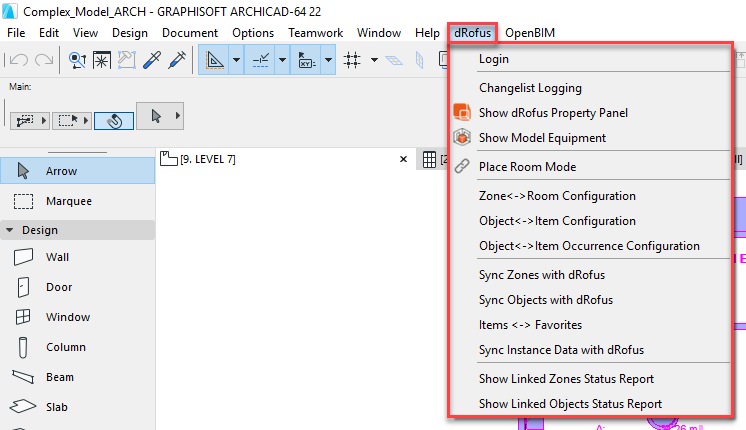
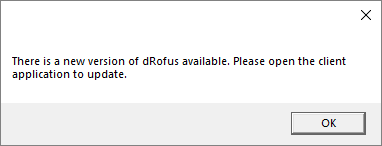
On the other hand - if you do not already have dRofus running, and you only run Archicad and attempt to Log in to the dRofus Add-On, if the version is out of date, you will get the following message:
Manual installation
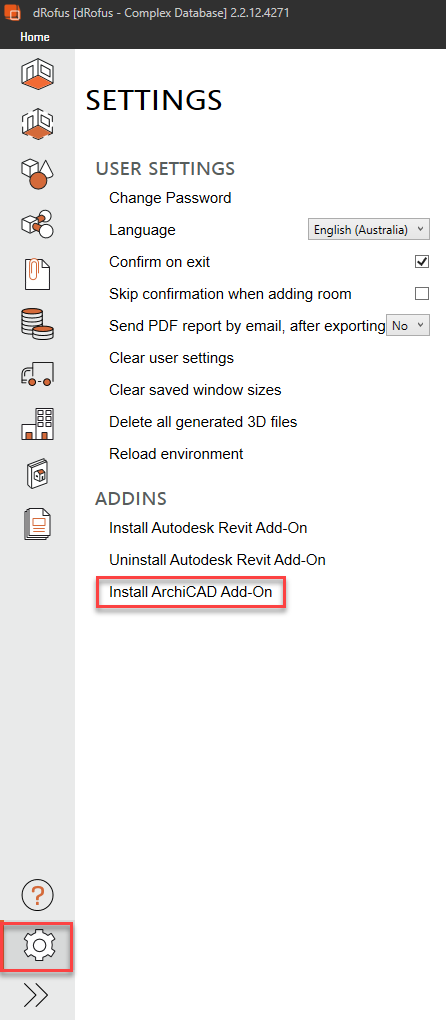
The other option is to install or update the Archicad Add-On manually.
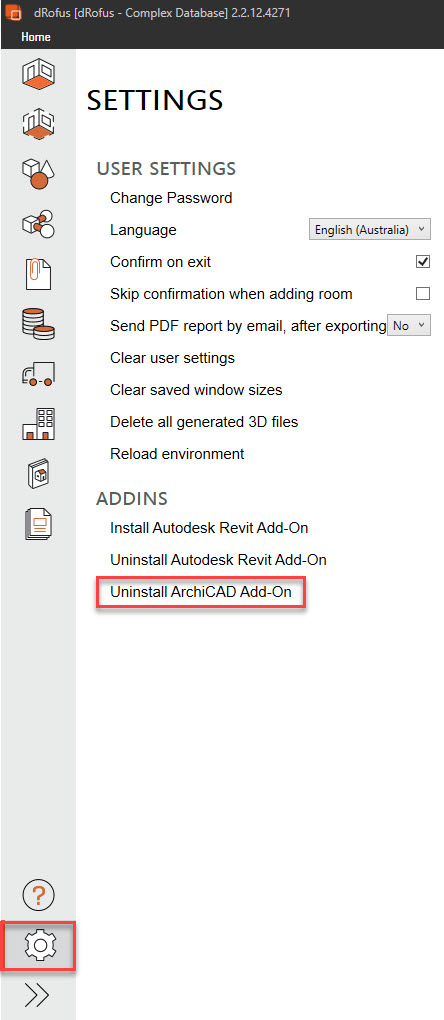
In order to install or update the Archicad Add-On manually, you will have to open the dRofus and then carry out the following:
Once installed, you can also uninstall the Archicad Add-On by carrying out the following: