.png)
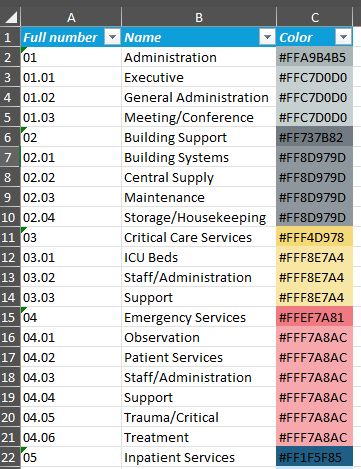
When importing a new function program select Import new. Use the Parent Function Full Number

Use the Parent Function Full Number to map sub functions.
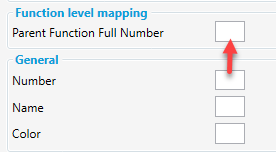
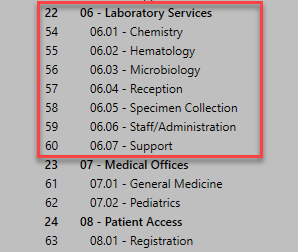
In this example 06 would be the Parent Function Full Number to 06.01 Function Number for Chemistry.
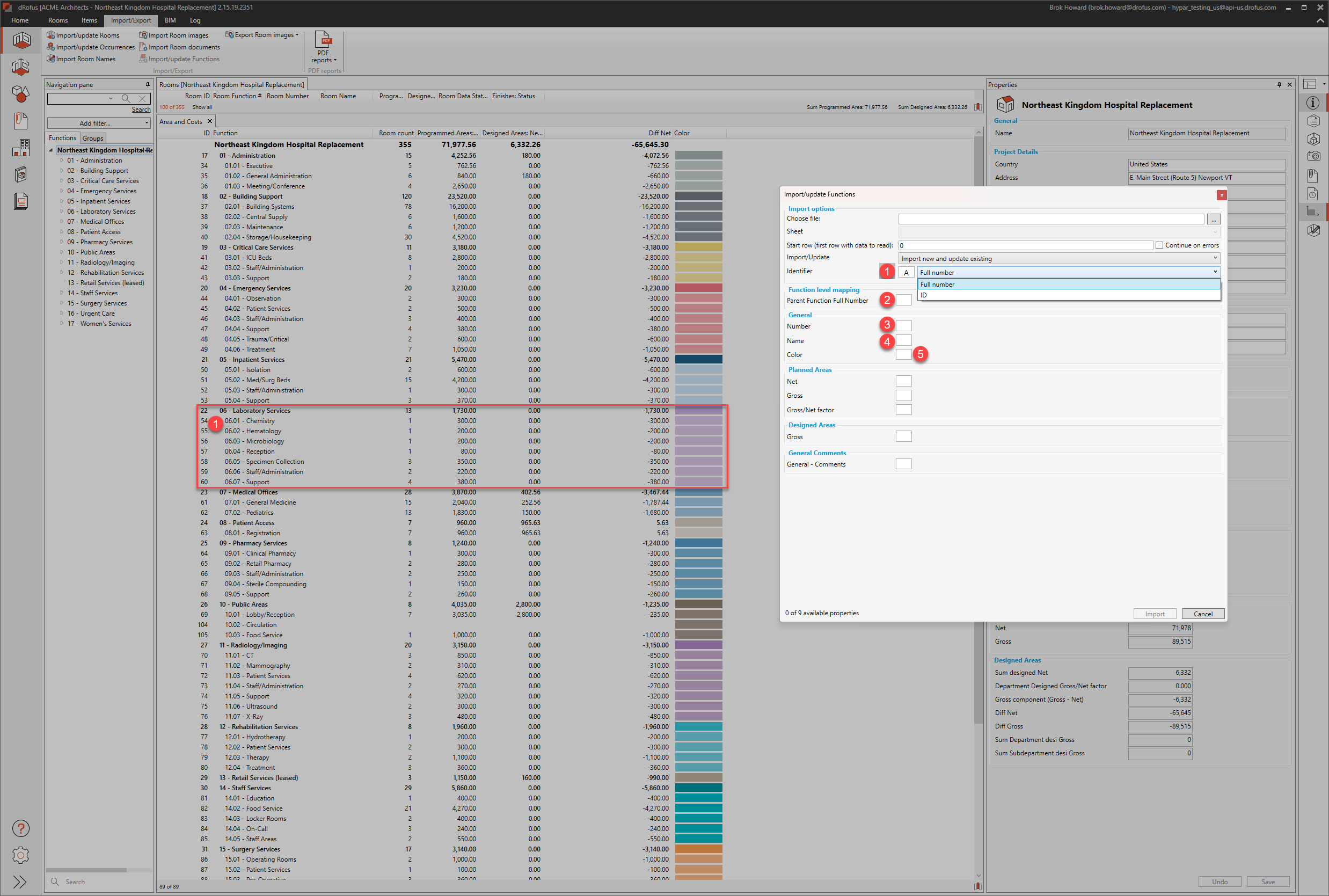
When running an update, use either the Function ID or the Full Function number.
-
Mapped ID to know where to update in dRofus
-
Update the Parent
-
Update the Number
-
Update the Name
-
Update the Color
When importing or editing the color for a function program, ensure the color value is specified in 8-digit hex format: #AARRGGBB.
-
AA= Alpha (transparency), useFFfor fully opaque -
RR= Red -
GG= Green -
BB= Blue
Example:
#FFAABBCCrepresents a fully opaque color with Red=AA, Green=BB, Blue=CC.