.png)
Access
Access to Manager is currently not supported via tha Account app. For the first release we rely on distributing the URL to users. The URL follows the same syntax for all servers: https://reqhub-[server]/[database]/[project_id]/manager/
For the AWS nordic server the URL will be https://reqhub-no.drofus.com/[database]/01/manager/. When [database] is replaced with the name of the database it will look like https://reqhub-no.drofus.com/reqhub-testing-en/01/manager/
On public servers:
|
Server |
URL |
|---|---|
|
Nordics |
https://reqhub-no.drofus.com/[database_name]/[project_id]/manager/ |
|
EU |
https://reqhub-eu.drofus.com/[database_name]/[project_id]/manager/ |
|
US |
https://reqhub-us.drofus.com/[database_name]/[project_id]/manager/ |
|
AU |
https://reqhub-au.drofus.com/[database_name]/[project_id]/manager/ |
|
CA |
https://reqhub-ca.drofus.com/[database_name]/[project_id]/manager/ |
|
JP |
https://reqhub-jp.drofus.com/[database_name]/[project_id]/manager/ |
|
UK |
https://reqhub-uk.drofus.com/[database_name]/[project_id]/manager/ |
Landing page
When entering Manager via one of the above URLs you will see the manager landing page with all existing Requirement sets in the project. The Requirement sets are grouped by Responsibility groups. Each group can be collapsed/expanded and you can check progress on each by selecting “Check progress”. You can decide weather you want to see progress in percent or count with the upper right toggle.
Create Requirement sets
To create a new requirement set select either Create for Occurrence or Create for Product.
-
Occurrence Requirement Sets: These define values that need to be filled out for each individual occurrence of an item. This is useful when unique information is required for each occurrence.
-
Product Requirement Sets: These define the properties and documentation needed for a product that is connected to occurrences. This involves assigning a product (or creating one if it doesn't exist), connecting occurrences to that product, and filling out the required information for the product.
Both requirement set types have the same Create new requirement set schema:
-
Name: Name of Requirement set. This will also be the name of the task for the users, so it’s an advantage that it’s descriptive to the content of the requirement set.
-
Assign to: Lists all Responsibility groups in the database. Users who have access (limited of full) to the responsibility group you select here, will also have access to this requirement set.
-
Filters: Defines which occurrences the users get access to via this requirement set
-
Properties: Defines which fields the users needs to fill in for all occurrences or products defined in the filter above.
-
Documents: Defines what documents the users needs to upload to all occurrences or products connected to occurrences defined in the filter above
Sharing Requirement set
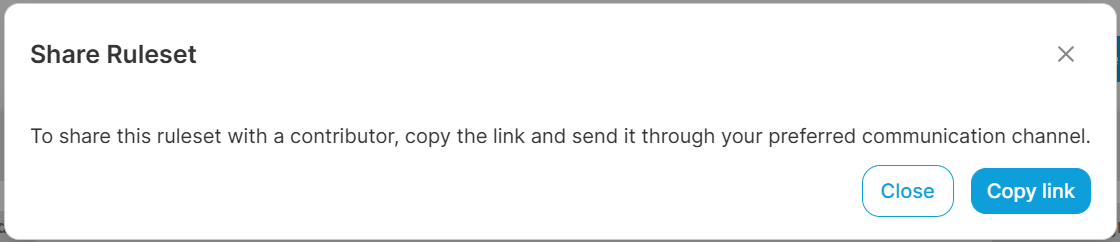
Currently, ReqHub is not integrated in the Account app. So to share a Requirement set URL to a user you need to click the sharing icon associated to the requirement set and copy URL.
Edit/Delete Requirement set
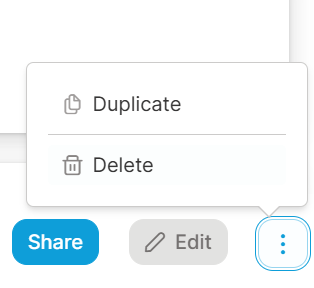
To edit or delete a requirement set, click on the requirement set from the landing page and select either “Edit” or click the more options icon and go “Delete”.