.png)
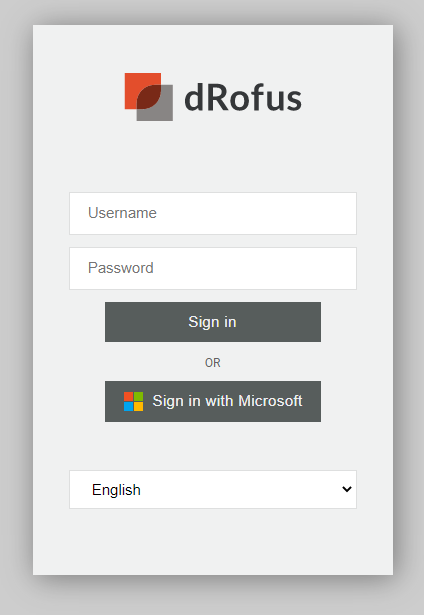
When logging in using Dekstop modern login or to dRofus WEB users can choose whether to autheticate using dRofus or Microsoft. To use this authentification method the username must be equal to the UPN/email in Microsoft. This can be accomplised by synching the Active Directory or just add user with their email as the username.
For user to be able to log in the “dRofus Identity” Enterpise application must be granted access by the tenant administrator in Azure for the tenant domain. User can be further restricted by the tenant administrator by adding a subset as a member to the application. Only work accounts is allowed, not personal or school accounts.