.png)
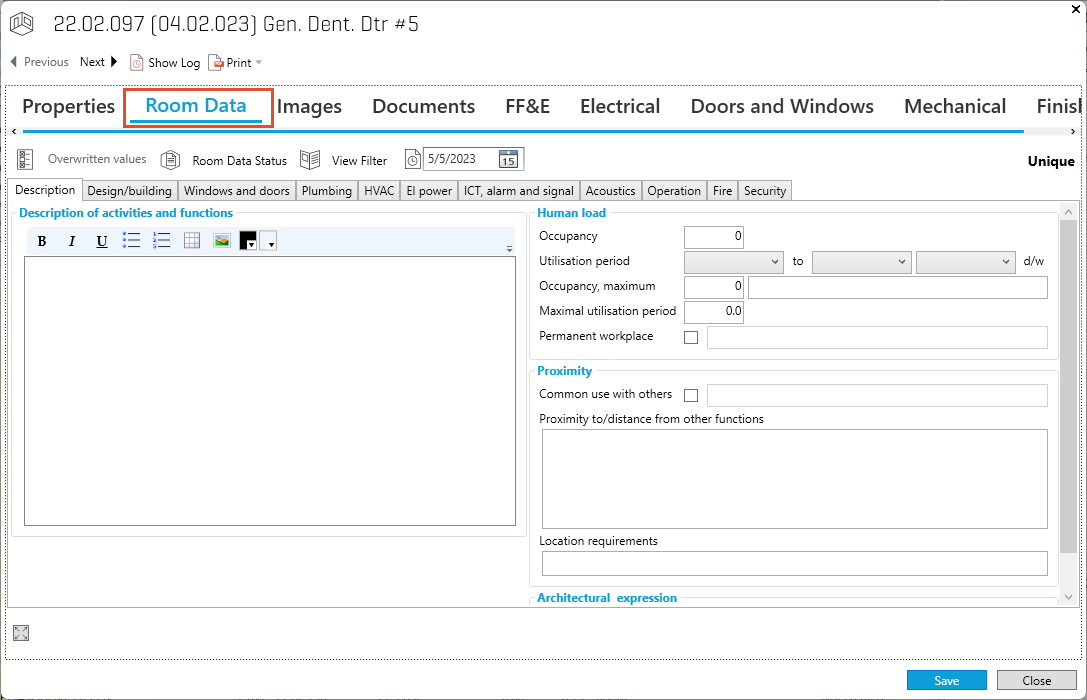
Open Room Data:
-
Double click on a Room.
-
Select the “Room Data”
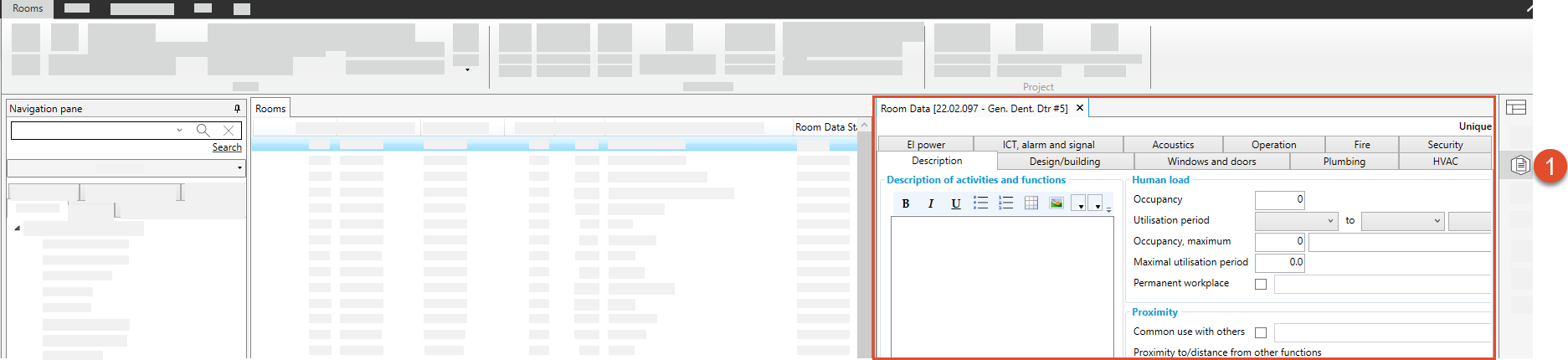
The Room data can also be displayed in the layout within the Room Module:
-
Select “Room Data” in the panel
Open Room Data:
Double click on a Room.
Select the “Room Data”
The Room data can also be displayed in the layout within the Room Module:
Select “Room Data” in the panel